How to Force Restart Apple iPhone 17 Pro Max

If your iPhone 17 Pro Max is frozen or not responding, this guide will show you how to force restart it correctly. A hard reset on iPhone 17 Pro Max is useful when the phone is stuck on the Apple logo, trapped on a black screen, or affected by a temporary iOS system error. This fast troubleshooting method can restore responsiveness without deleting your data. Follow the steps below to safely reboot your iPhone 17 Pro Max.
Soft Reset for Apple iPhone 17 Pro Max

STEP 1
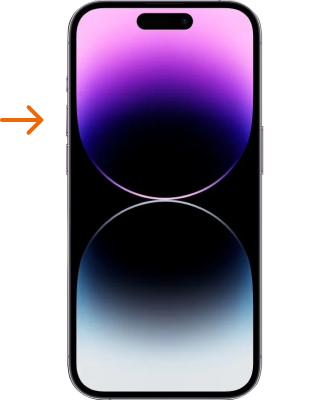
Press the volume-up button quickly and firmly, making sure to release it immediately without delay.
iPhone 14 soft restart
STEP 2
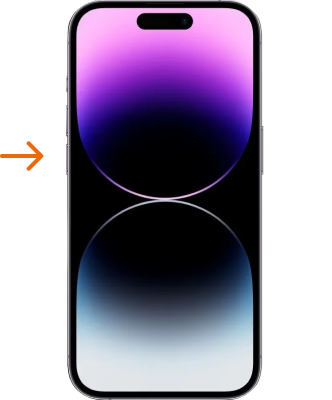
Second step is to press firmly the Volume Down button, and quickly release it afterwards.
iPhone 14 force restart
STEP 3
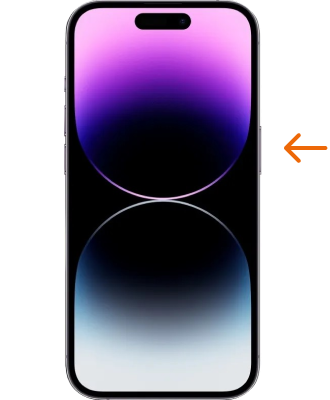
For an iPhone to perform a hard reset, press and hold its side button for few seconds until an Apple logo appears on screen, then release.
iPhone 14 hard reset
STEP 4
Your iPhone will now begin the Soft Restart process to complete its reset. Congratulations on successfully accomplishing a soft reset of iOS system! Nice Job!
iPhone 14 soft reset

Soft Reset video tutorial.​

Now you know the correct way to force restart iPhone 17 Pro Max and fix common issues like freezing, system lag, failed startup, and screen unresponsiveness. A hard reset is a safe first solution for many iPhone 17 Pro Max software problems because it refreshes the system without removing your files. Read more iPhone 17 Pro Max guides for advanced fixes, settings tips, and iOS troubleshooting help.